

Wouldn’t it be great if you had an app for picking winners on both Instagram and Facebook?
Picking from both, at the same time? In one draw?
Organizing giveaways on social media is one of the most effective strategies to engage with your followers.
It’s the secret behind the growth of many brands and influencers.
Through giveaways you can promote new products, encourage sign-ups and build brand image.
Now there is just one problem, how do you pick your winners?
If 10 people are participating in the giveaway, you just scroll through and pick someone randomly.
On the other hand, if you have thousands of comments, what do you do then?
Take a look at this post from The Sole Women on Instagram. How can you choose from a post that has almost 2000 likes and over thousands of comments?
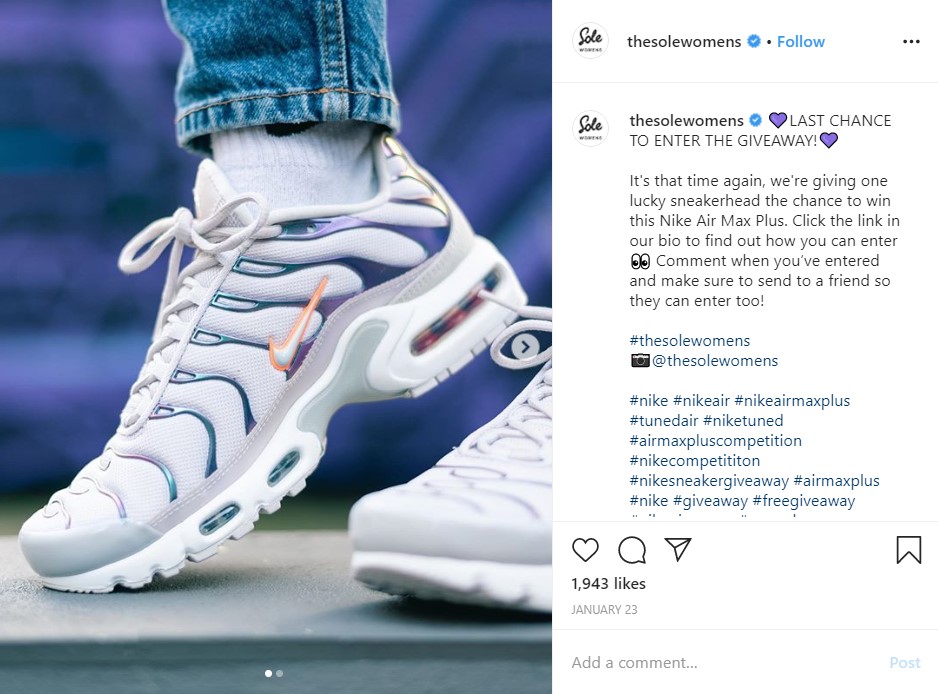
You would have to scroll from here to infinity (and back). How likely is that you would do that?
You will maybe go through the first few hundreds and pick someone, but that’s not fair.
So, what’s the solution?
It’s easy, you need an app to randomly generate a winner from Facebook and Instagram comments. We present you Osortoo!
Osortoo is the best Instagram comment picker app on the market. You can also pick from Facebook comments and comments on your YouTube videos.
Osortoo is a free app* for picking a winner, it’s easy to use and works great on all social media platforms.
So how can I make a Giveaway using Osortoo?
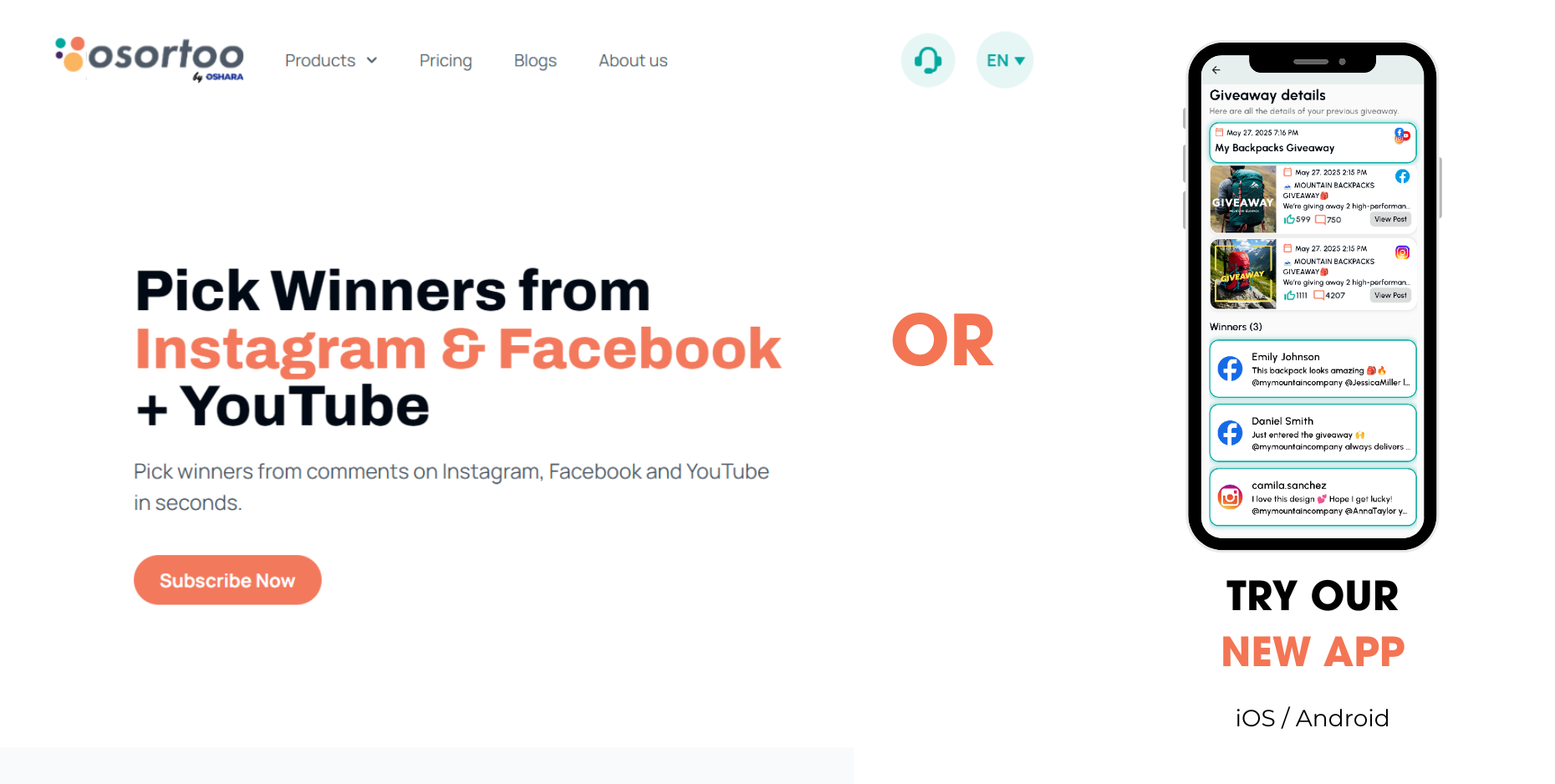
We have a desktop version and a mobile app for iOS and Android.
Winner picking looks the same on both of them, so this guide applies to both.
To register on the desktop version, just click on https://app.osortoo.com/register
To download our app on the Apple Store click here
To download our app on the Play Store click here
How to Register
To register enter your email and password.
You will receive a confirmation mail, so please confirm the mail.
First let’s connect your Facebook and Instagram accounts to Osortoo so we can have access to your post’s comments.
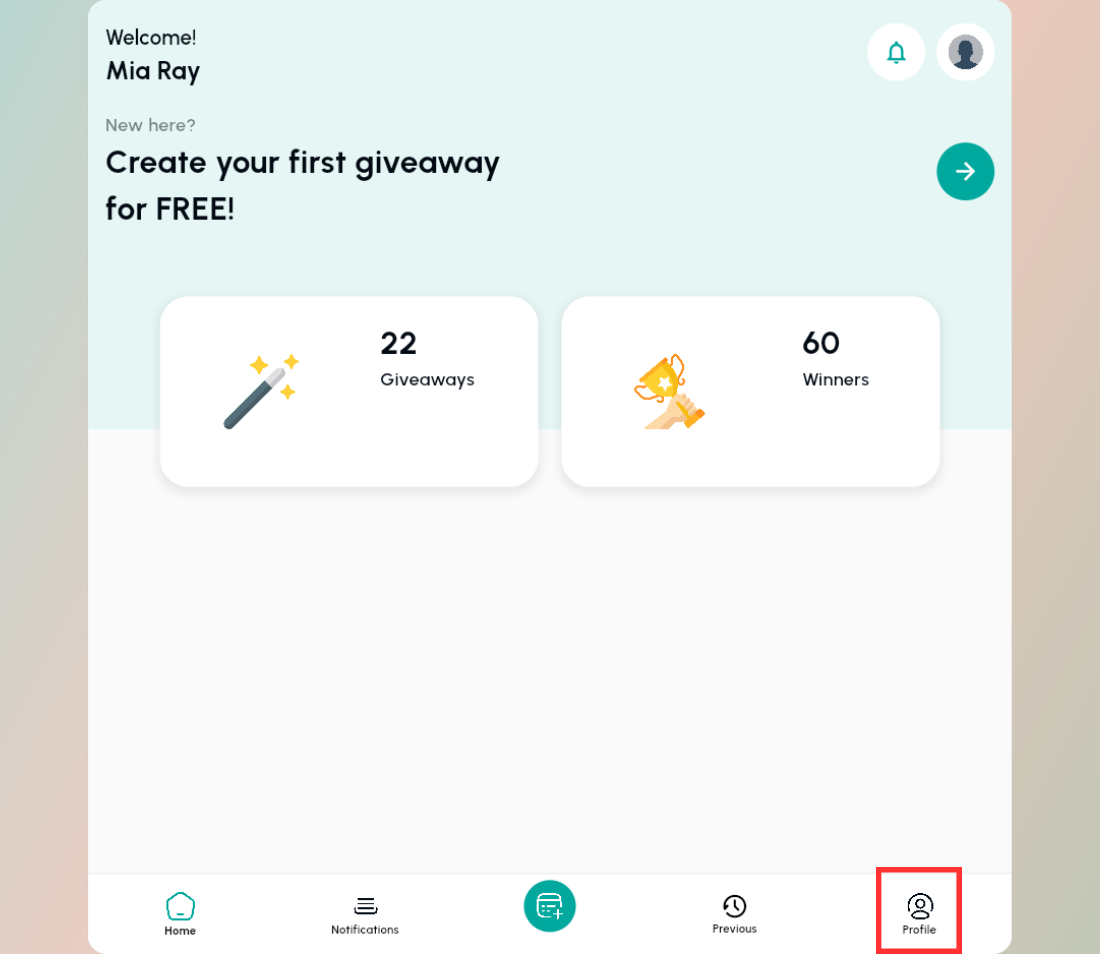
Go to your Profile tab.
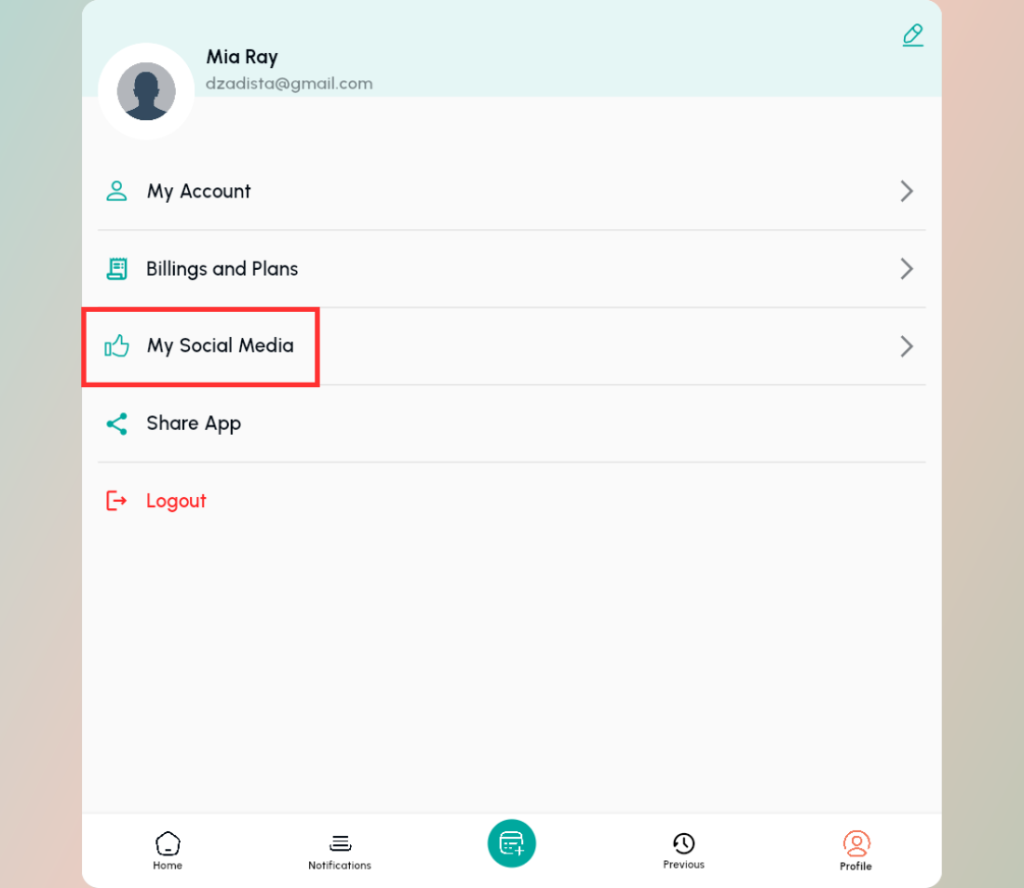
Go to My Social Media.
Click on Connect with Facebook.
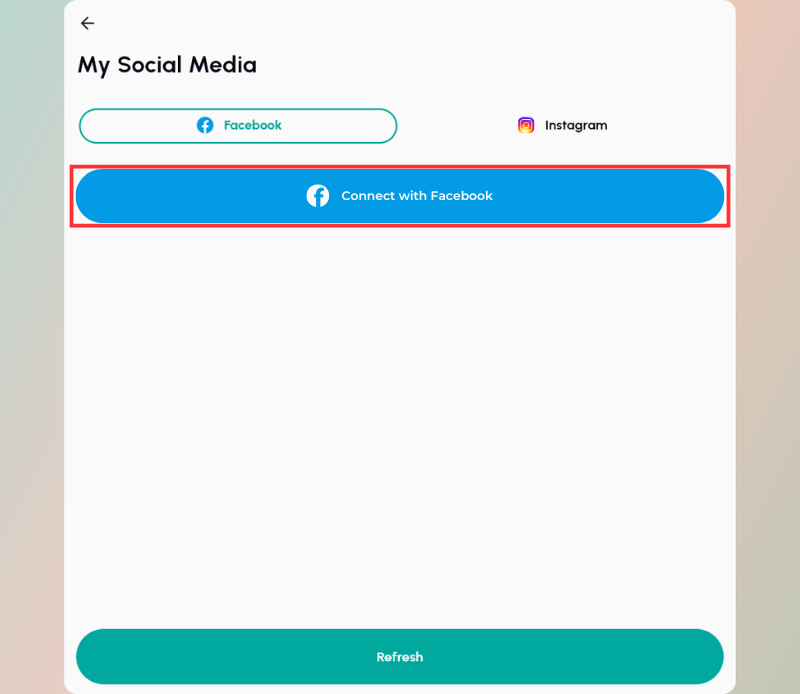
Connect your Facebook account.
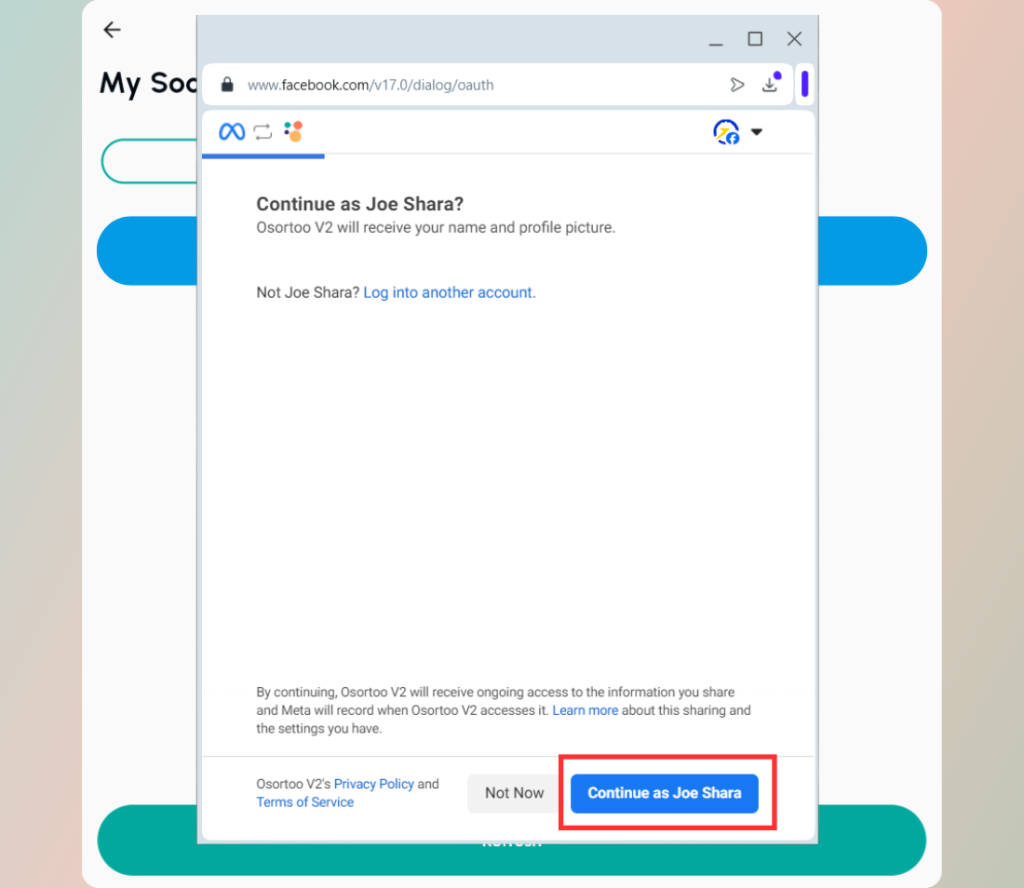
You will be asked to Connect to Facebook and give permission for your Facebook and Instagram pages.
Facebook owns Instagram, so through Facebook you give your permission for the Instagram pages too.
You must be an admin of a given page to select it and pick winners.
Give us Permissions to get comments data from your posts.
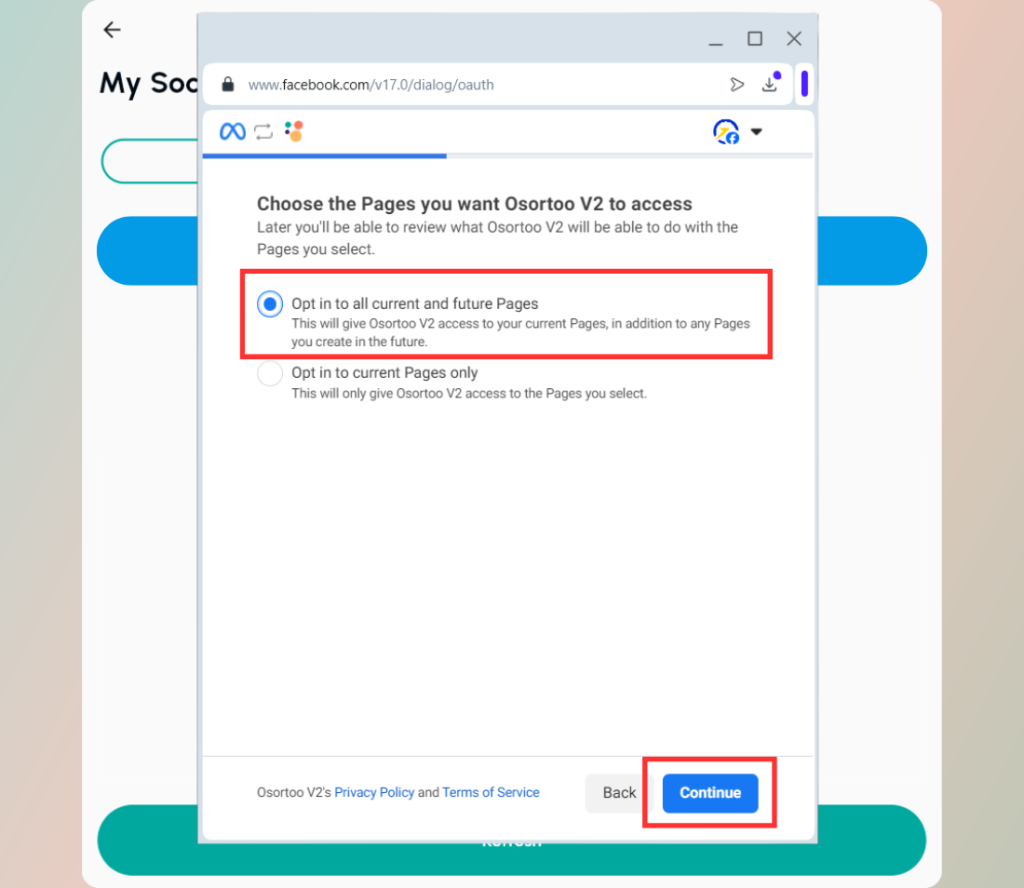
We recommend you select the first option and give us permission to all your pages, on this and the following screens. This is the easiest way to connect, if you want to exclude some pages choose the second option.
*We won’t post instead of you or show anything on your timeline, don’t worry.
If you have any problem connecting your Facebook to Osortoo take a look at this short guide.
Select the Facebook and Instagram pages you want to use
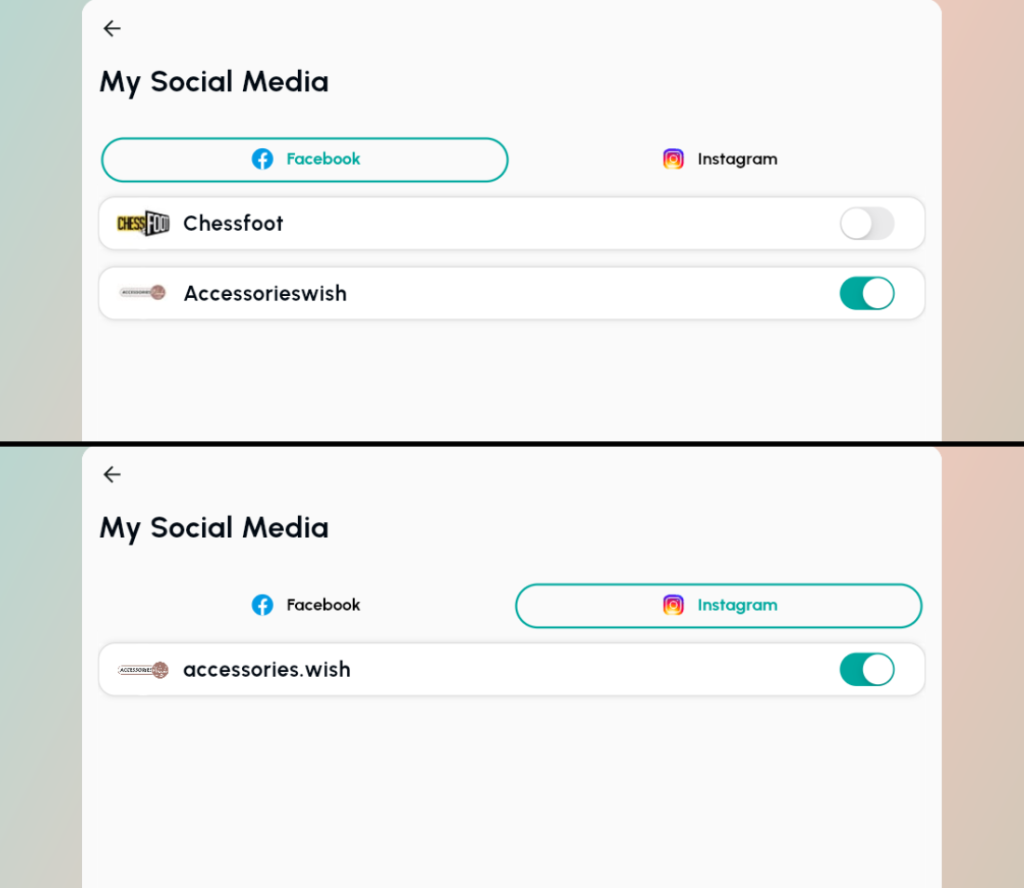
Ok, now we have connected Osortoo to your Facebook and Instagram, so let’s go ahead and pick some winners!
Select the New Giveaway button from the bottom menu.
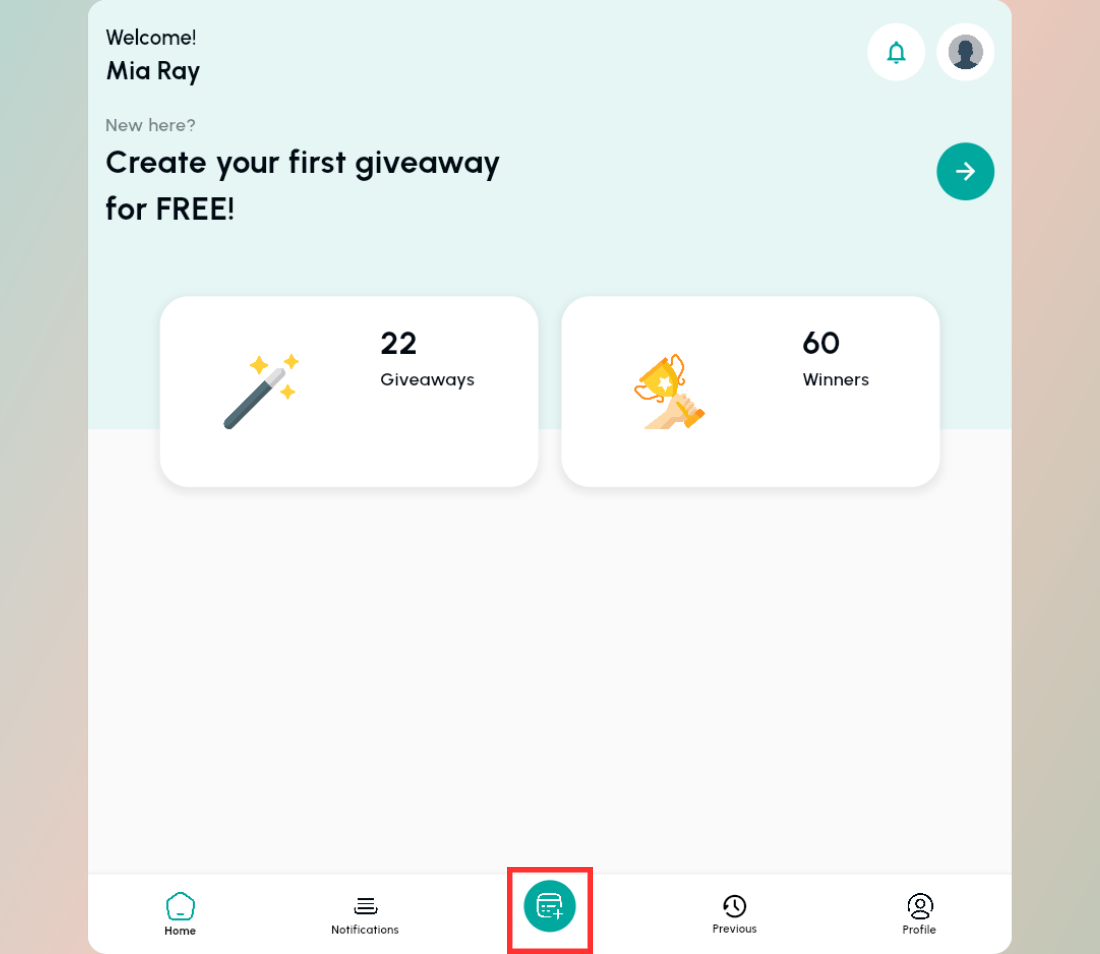
Choose on what platform do you want to pick your winners?
You can use our app to pick a random winner from Facebook, Instagram comments and YouTube comments. Here are our picker tools
Select the picker that you want to use.
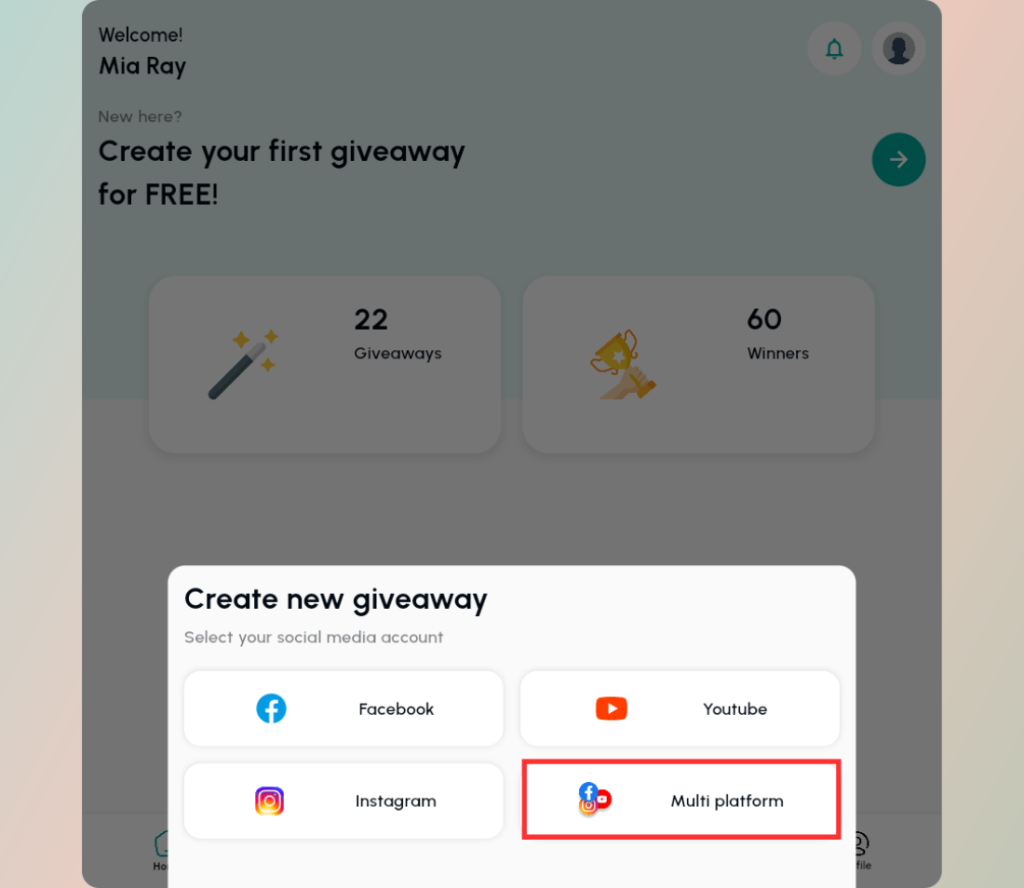
Try our exclusive Multiplatform Picker, pick winners from Instagram + Facebook comments at the same time.
With Osortoo you can pick winners from comments on multiple posts on both platforms. How cool is that?
Instead of making two or more separate giveaways, now you can make one giant giveaway and everyone can participate.
We know what you think! What if someone comments on your posts on both platforms?
Don’t worry, we have a special filter to remove doubles that we will show you later.
Next, confirm that you will pick from these selected pages and click Next.
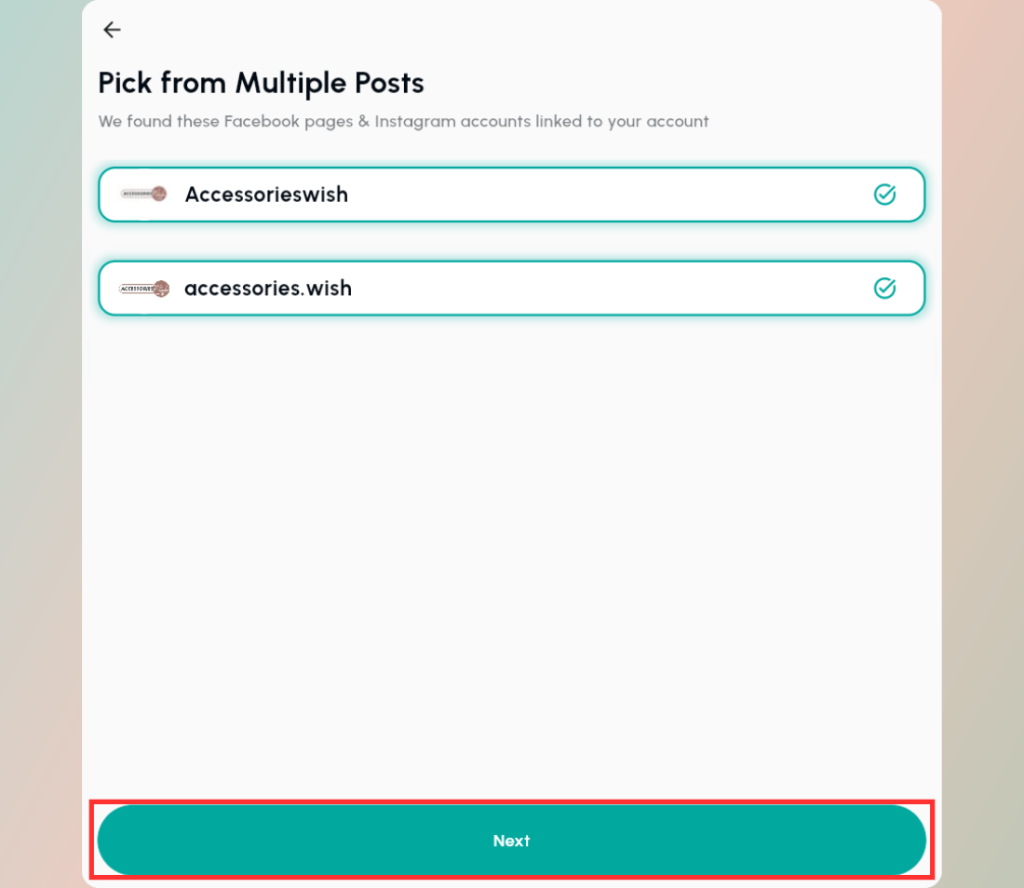
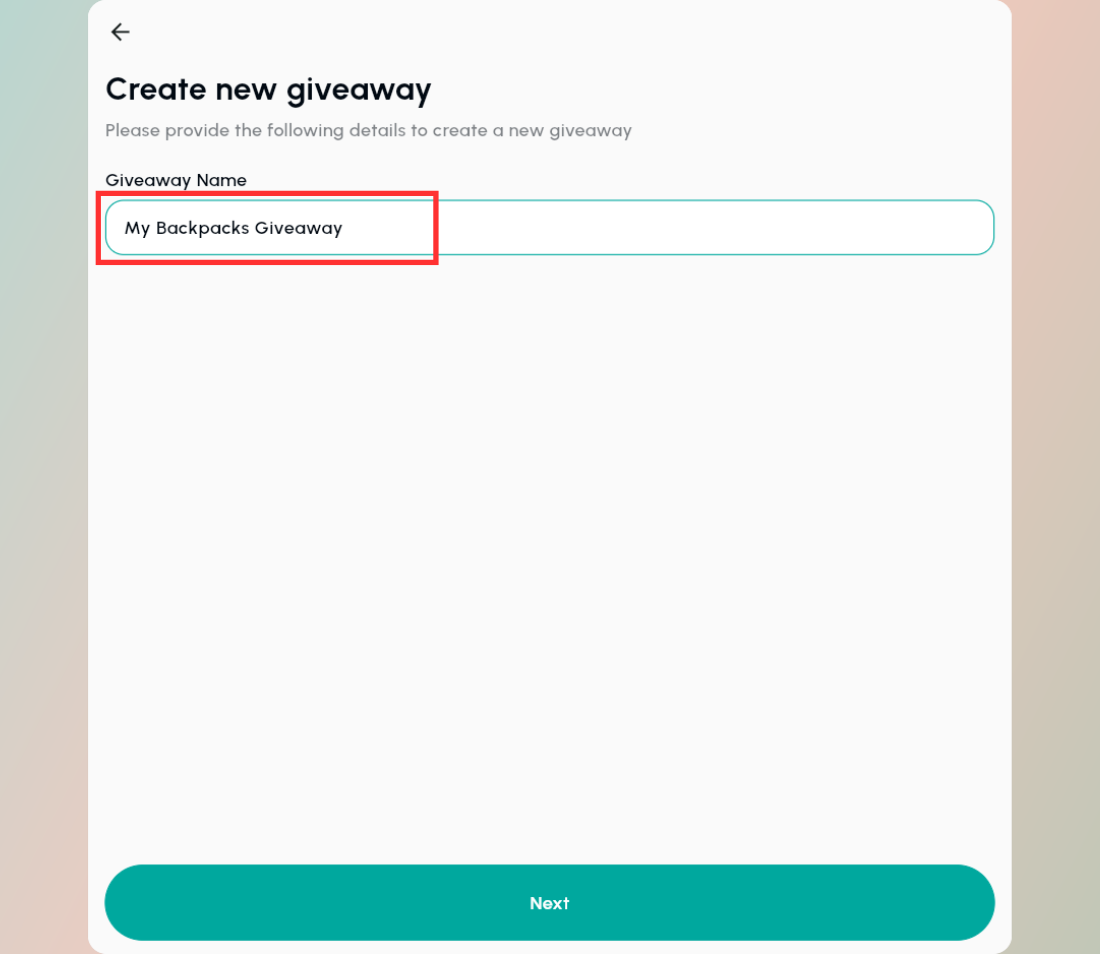
First you select the giveaway posts from Facebook then from Instagram.
So select your posts on Facebook. Remember to select posts that have at least 1 comment.
We have a dedicated button for that. And at the bottom you can load your older posts.
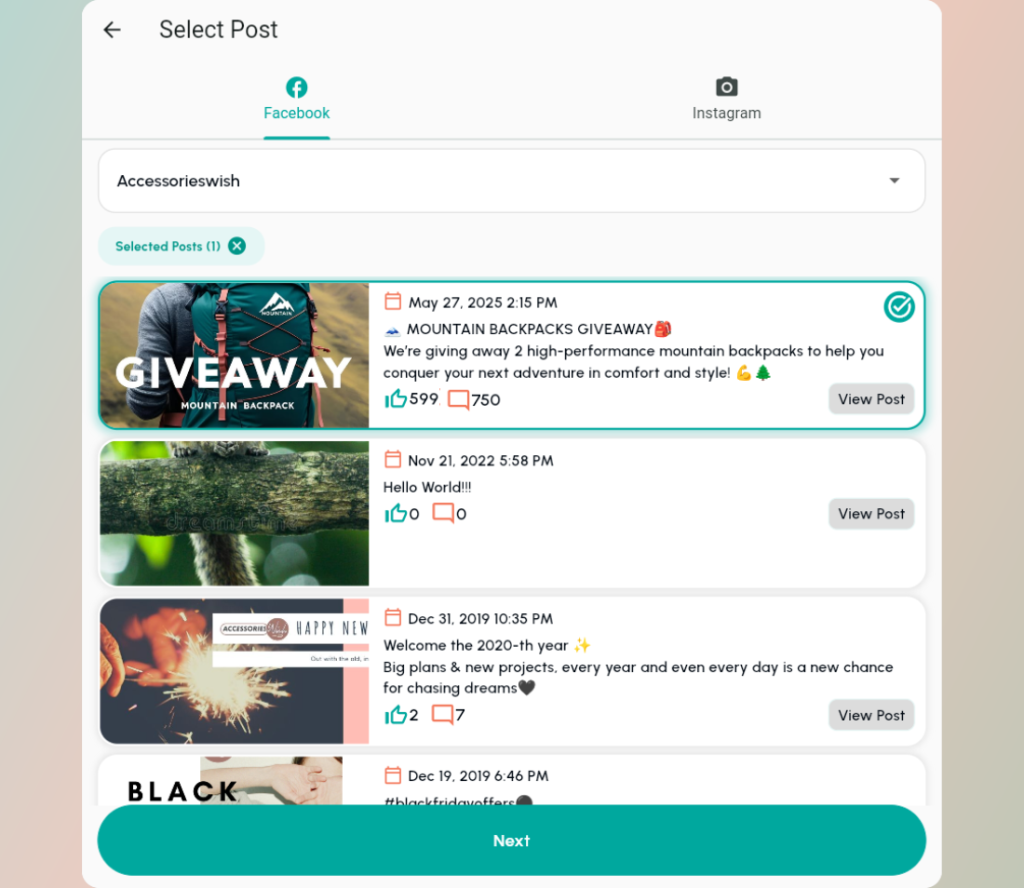
Select your posts on Instagram too.
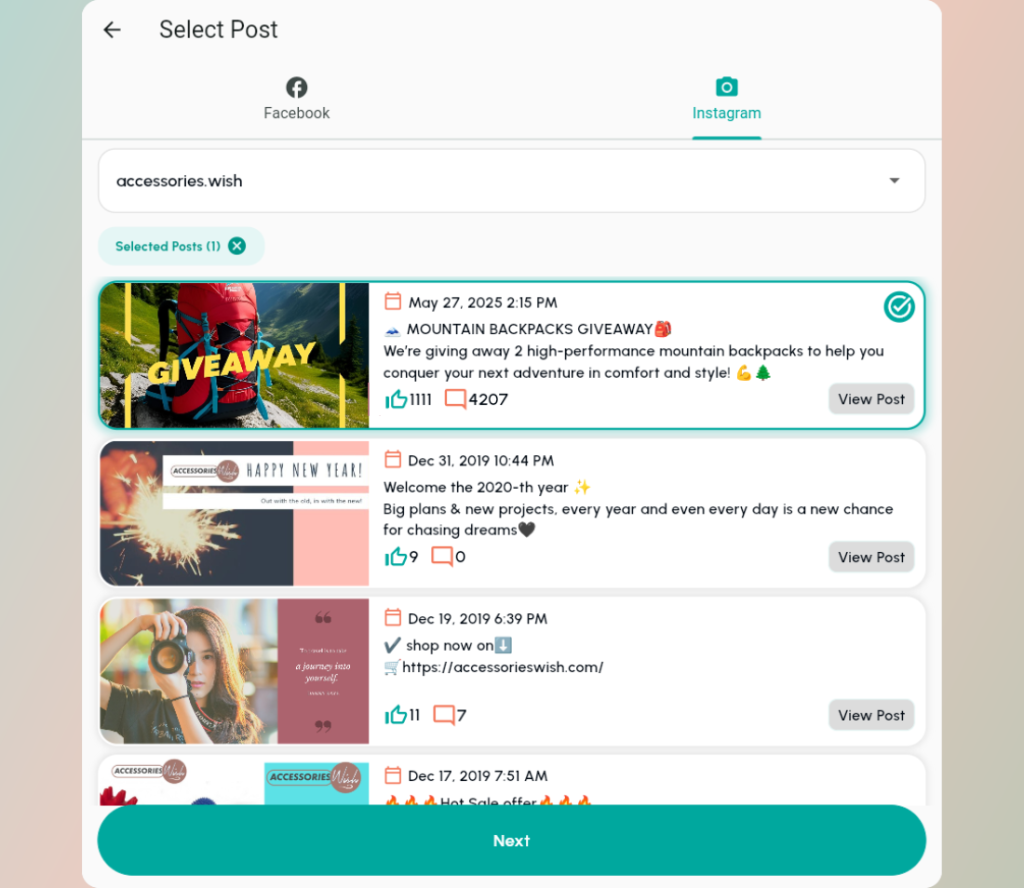
After you are finished, press Next.
Let’s select how many winners do you want for your Giveaway, and what rules they should follow.
If you pick from multiple posts, it’s always smart to turn on the Remove Duplicates filter. So everybody will get an equal chance.
You can also select Include Replies. Those are answers to comments on your post. If somebody commented on your post, and another person commented on that person’s post, that is a reply.
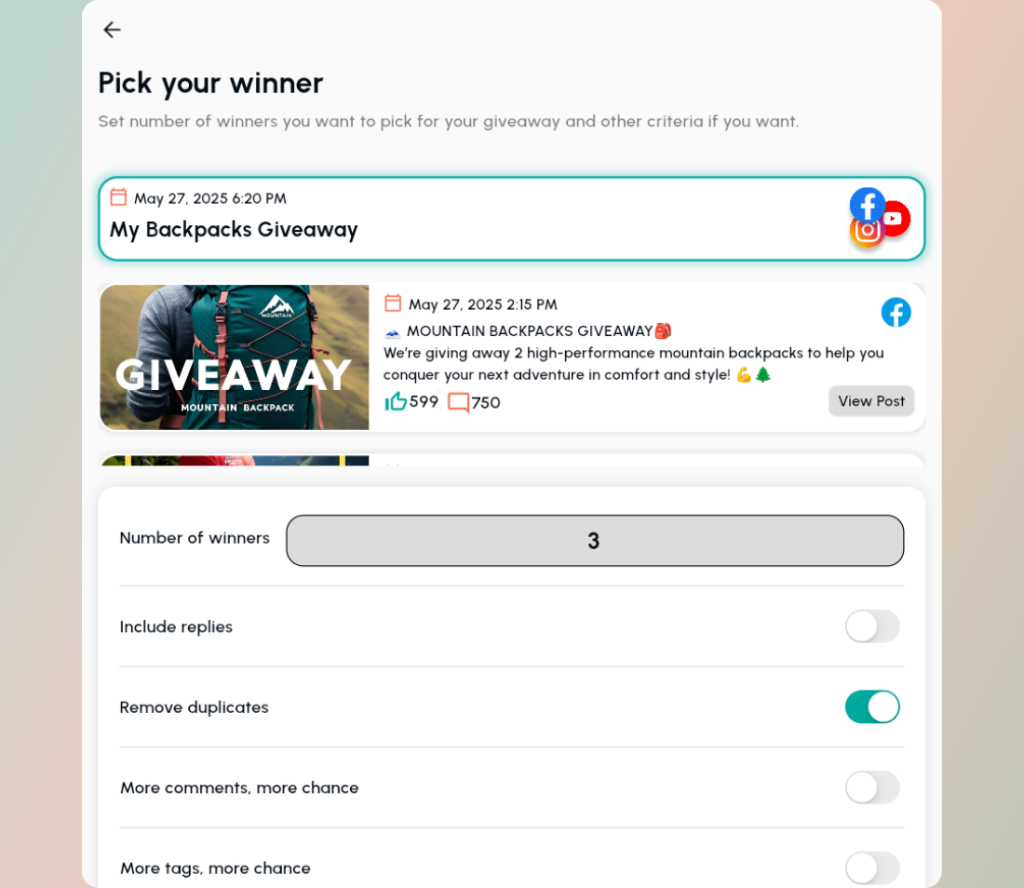
Scroll down and select some other filters.
If you want your participants to tag/mention people select the Minimum number of tags filter, and add the number of tags you expect in a comment.
If you need a specific tag/mention like your company handle, add in the below filter, like @mycompanyhandle.
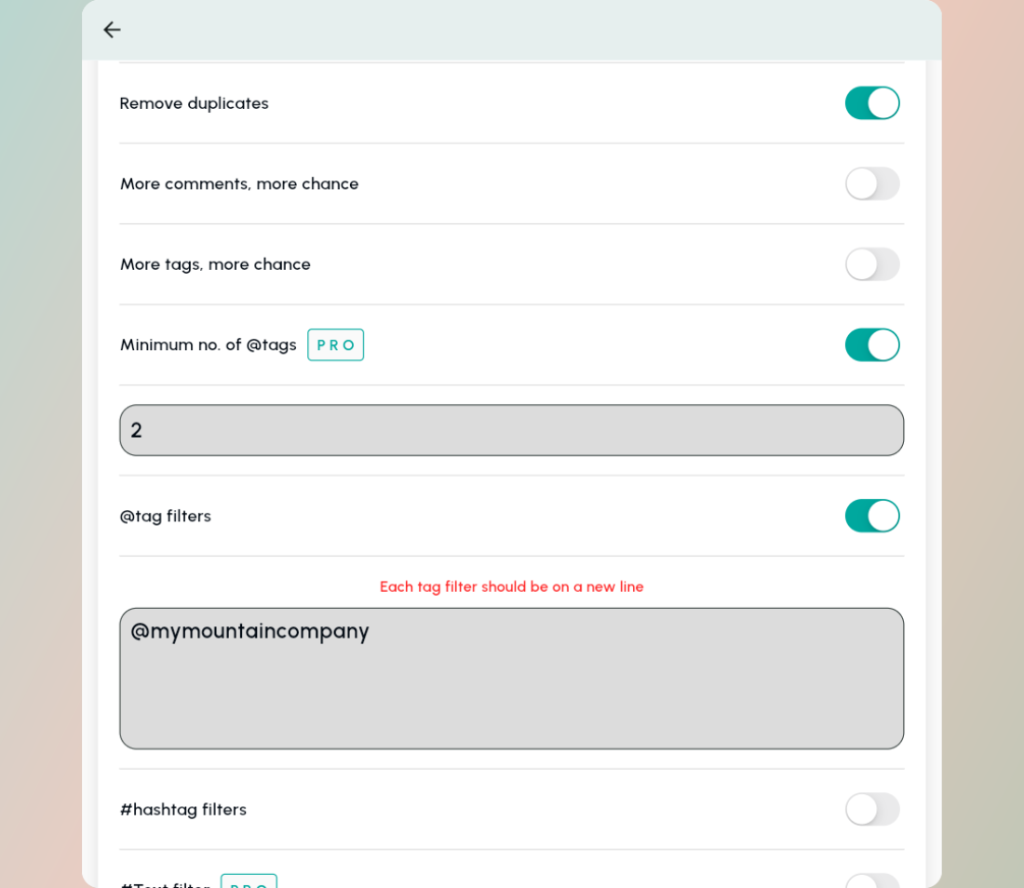
You can also decide to give more chances of winning to participants who left multiple comments and/or mentions.
Or you can select only participants that wrote hashtags in their comments.
Finally, you can add participants manually and exclude a list of people from winning your giveaway. (very useful to remove spams).
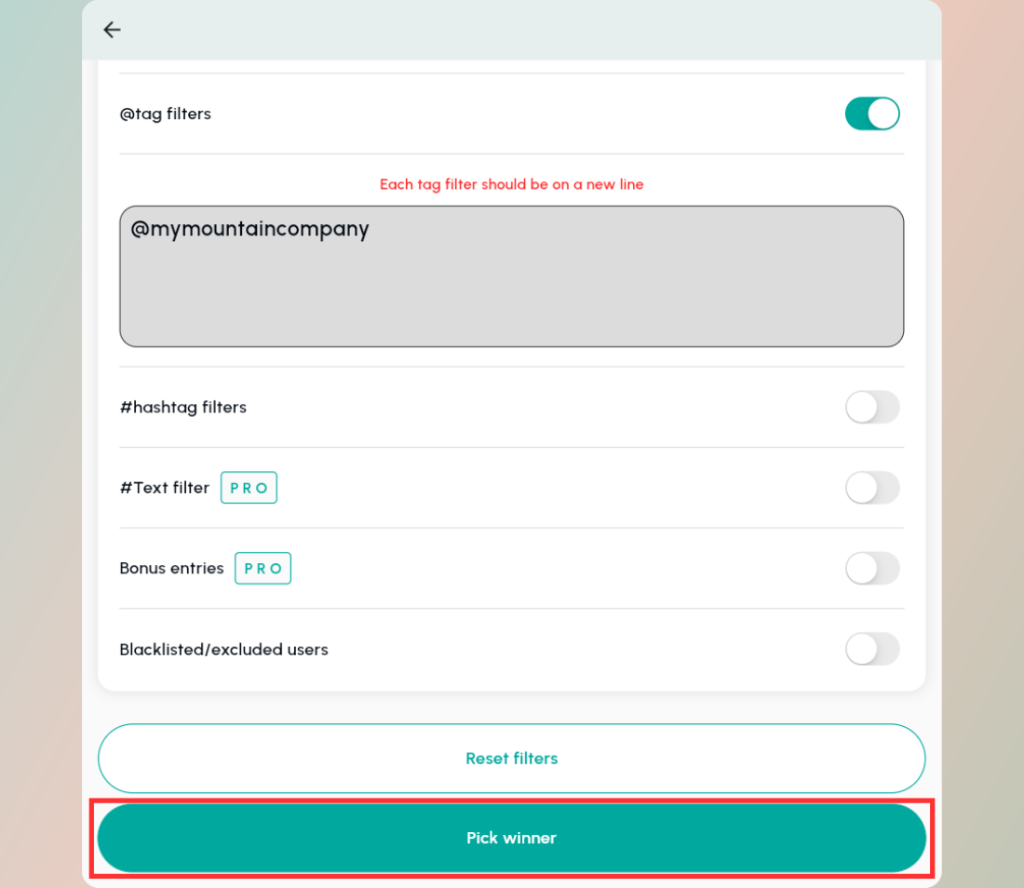
When you are done with selecting your filters, scroll down and click Pick Winner.
On the next screen you will be notified how many comments you have, click Pick Winner again.
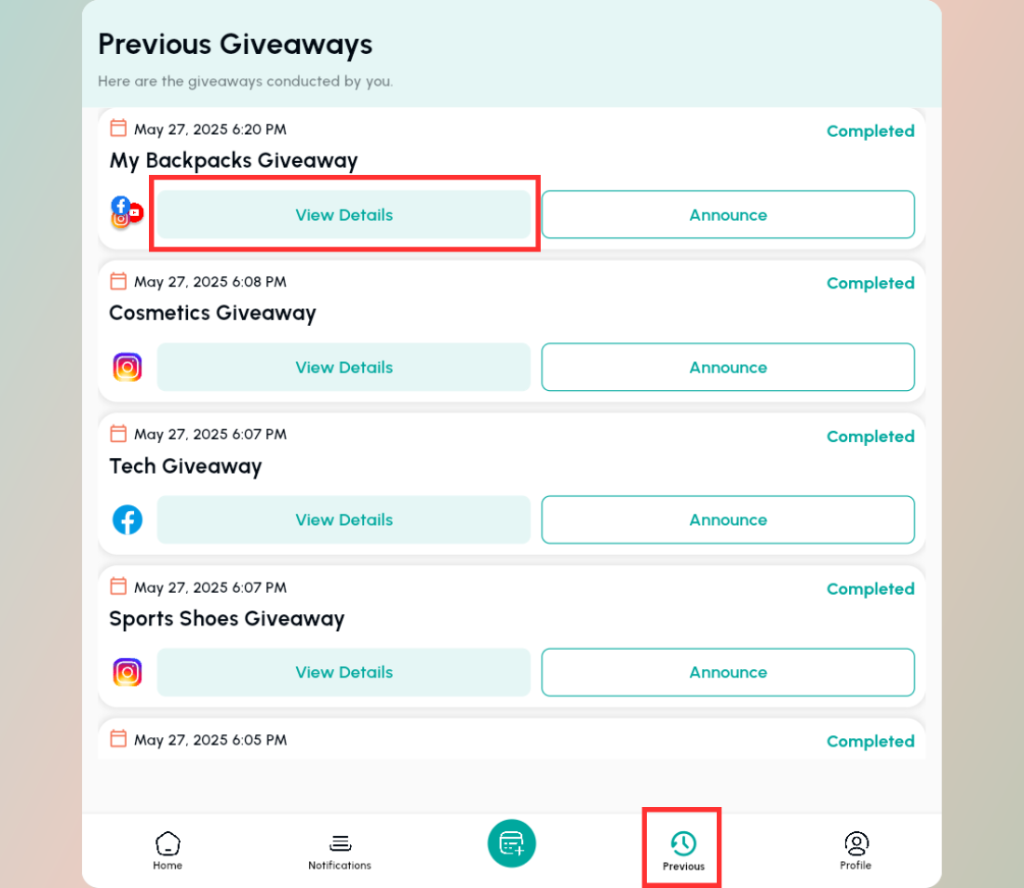
Now go to your homepage. Then go to your Previous tab and View Details on your giveaway.
AND FINALLY!
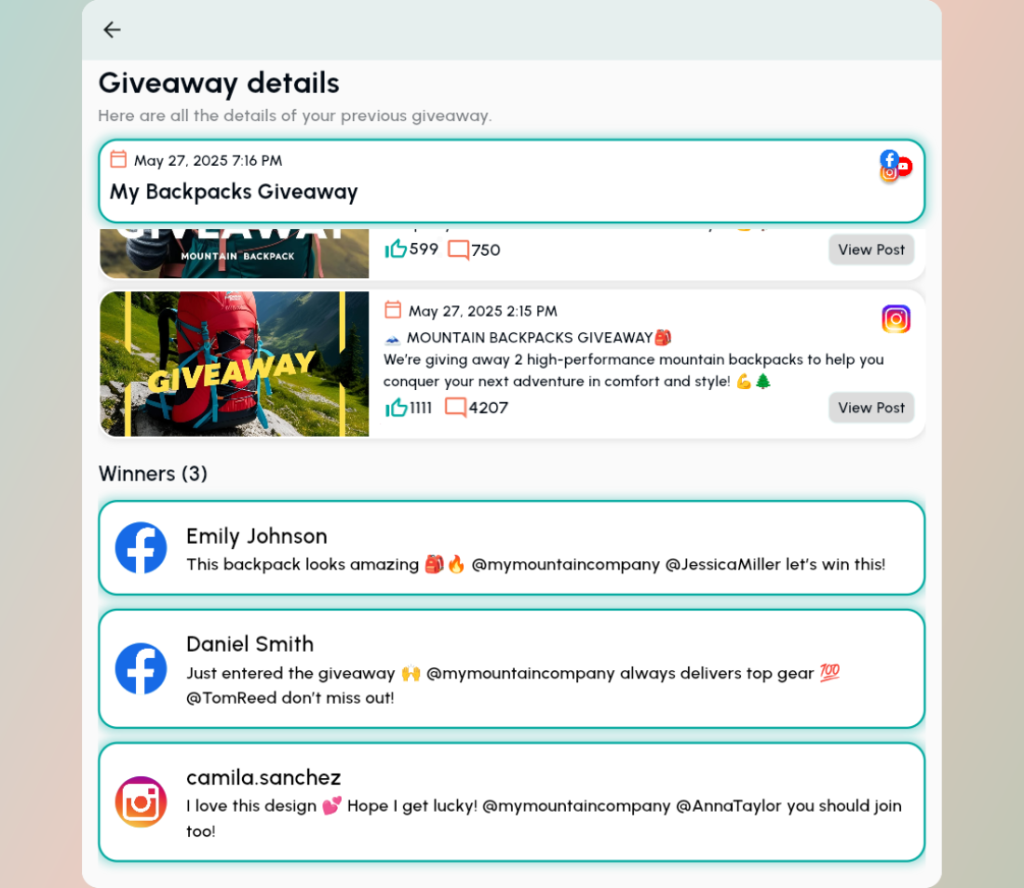
You’ve got your winners!
You can see all the details of your giveaway, on which posts did you pick from, how many comments and likes you got, and what are the winner and their winning comments.
It’s all tidy and nicely organized, so you can have all the info in one place.
Now let’s announce your winners with a Winner Video!
Go to the Previous tab and click on Announce on your giveaway.
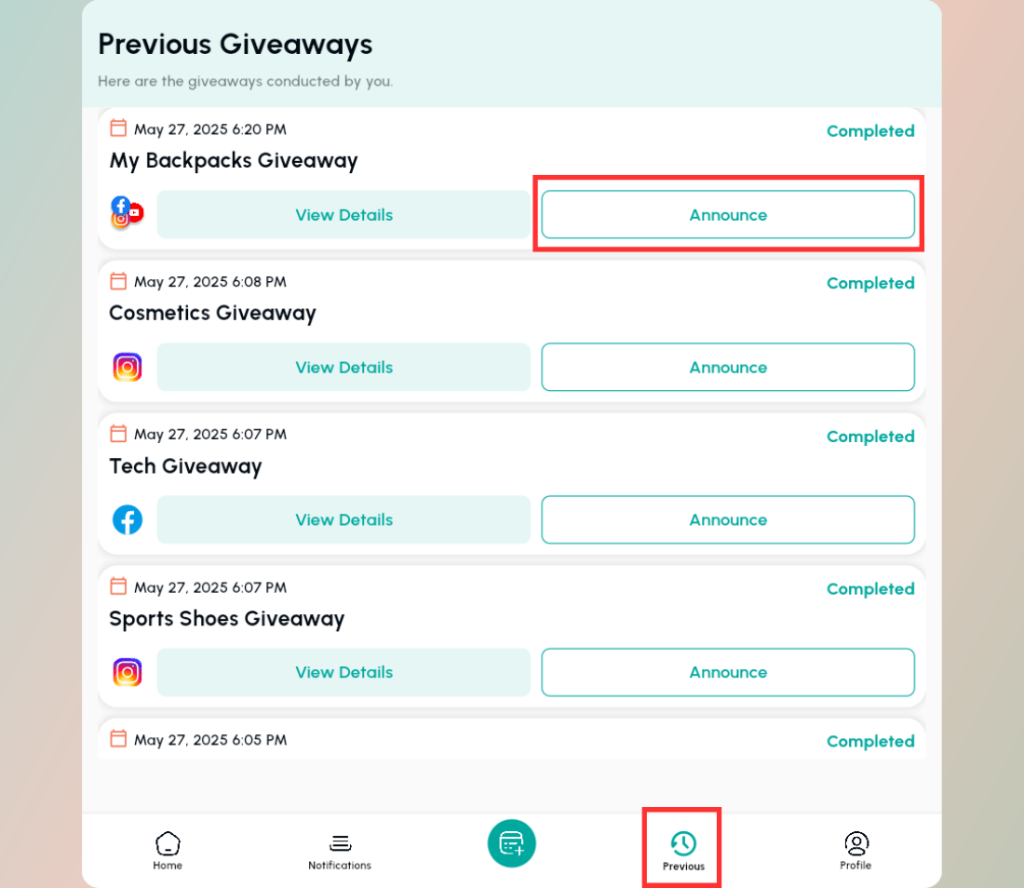
You can see the winners with the details of your Giveaway.
Here, select the Template of your Winner Video.
You can choose from light green, beige and royal purple.
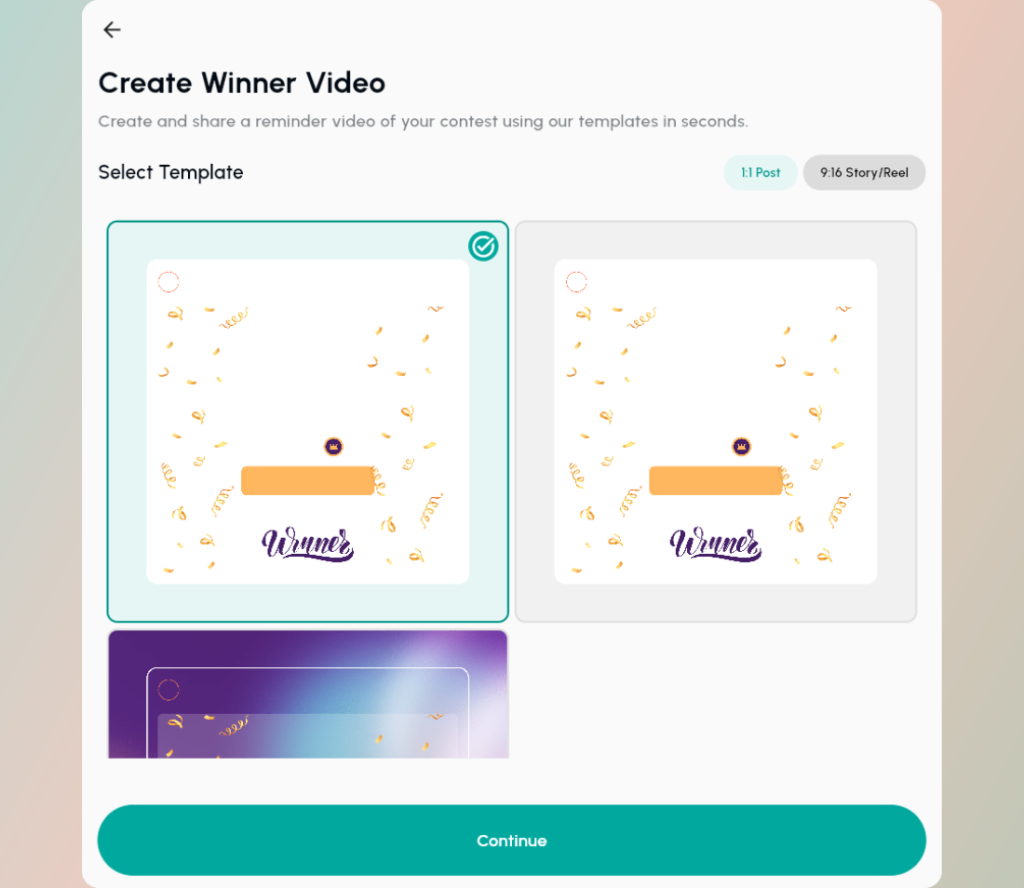
Then click Continue, and wait for a minute.
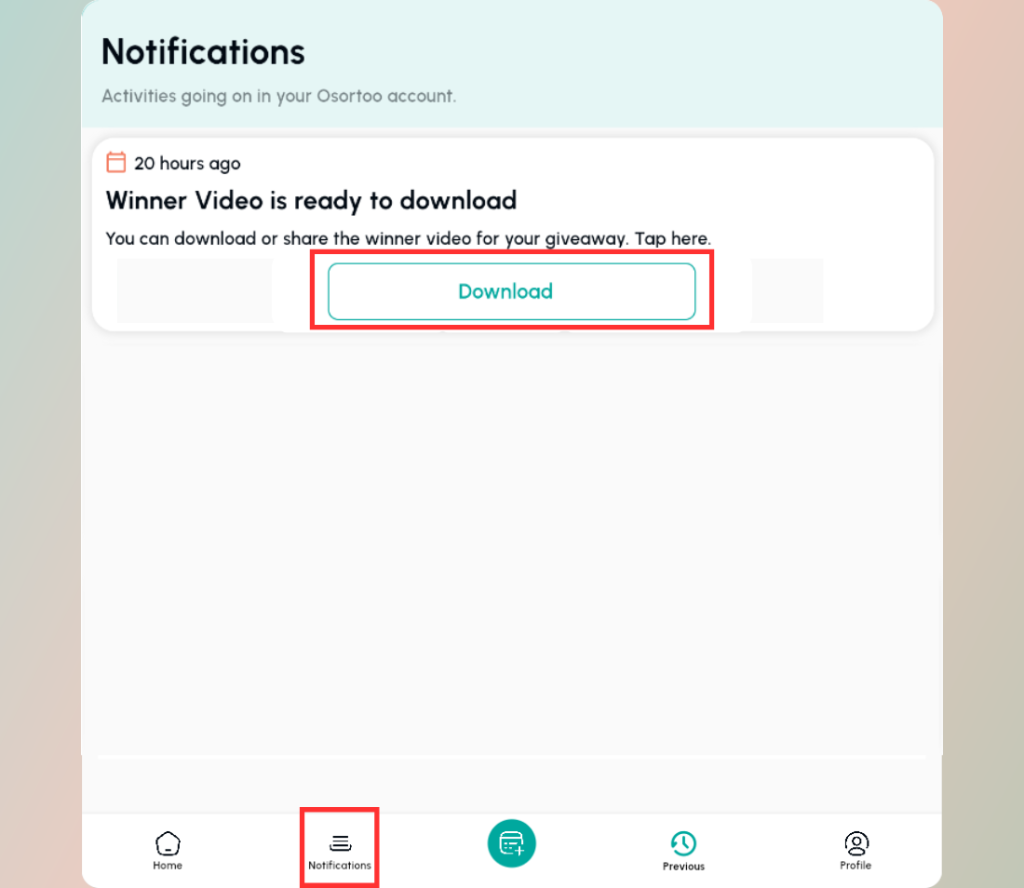
Then go to Notifications tab and click on Download on your Winner Video.
Preview your Winner Video and Download it to share it with your audience.
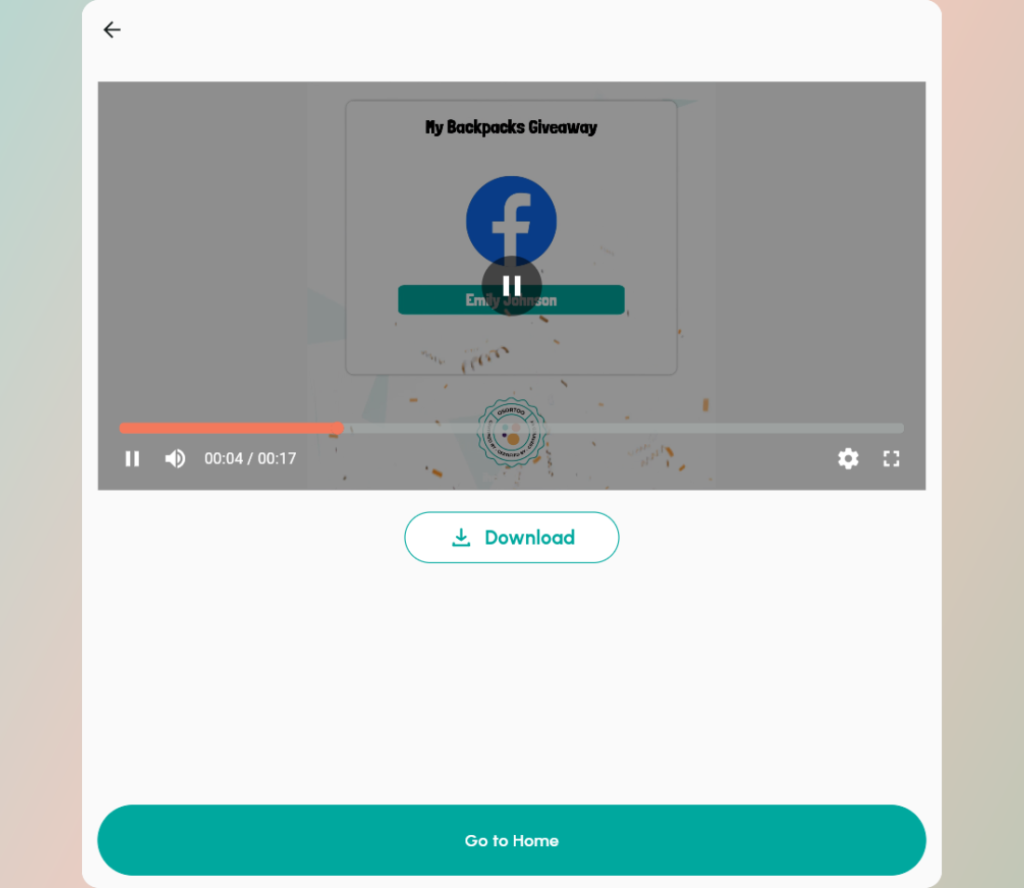
Voila, you got your Winner Video
Post the Winner Video on your Instagram and Facebook accounts.
This way, your audience will know that you used a special pick a winner app and that it was a fair game.
You can also download an Instagram/Facebook Story or Reel format video to post it to your audience.
We’ve just made a successful Giveaway.
Our separate Instagram Giveaway Picker and Facebook Giveaway Picker work on the same principle.
You just don’t have the option to select from both networks at once.
*Osortoo is a free tool for up to 50 comments on one post on Instagram, Facebook and YouTube. You can choose a winner on your giveaway and test our tool, and if you like it you can purchase a premium version later.
The Multi-Platform feature (picking a winner on both Instagram and Facebook at once) is a premium only.